


More

Maximizing Efficiency: How a Modern Church Management System Can Streamline Operations
A modern church management system, such as Planning Center Online, can help churches streamline their operations in several ways. One of the most significant benefits is the ability to centralize all of a church's data, such as contact information, scheduling, and financials, into one secure platform.
Why Database Hygiene Matters for Churches: The Importance of Accurate Information
Database hygiene is important for churches because it ensures that their information is accurate and up-to-date. This is critical for a number of reasons.

Quick Tips: Planning Center List Idea - Finding New Families
Here’s a quick Planning Center People list tip about how to identify new families checking children in at your church.

How to Use Planning Center Workflows
Planning Center’s People app is a powerful tool for church and ministry organizations to keep track of member information and manage communication. One of the key features of the app is the ability to create workflows, which are essentially customized lists of tasks that need to be completed for a particular person or group.
Top 5 Event Registration Tools - A Church Event Coordinator’s Guide
As a church event coordinator, finding the right tools to manage event registration can be a daunting task.
Thinking About Switching your Church Management System to Planning Center?
Switching to a new church management system (ChMS) or customer relationship management (CRM) platform can be intimidating, but it doesn't have to be scary.

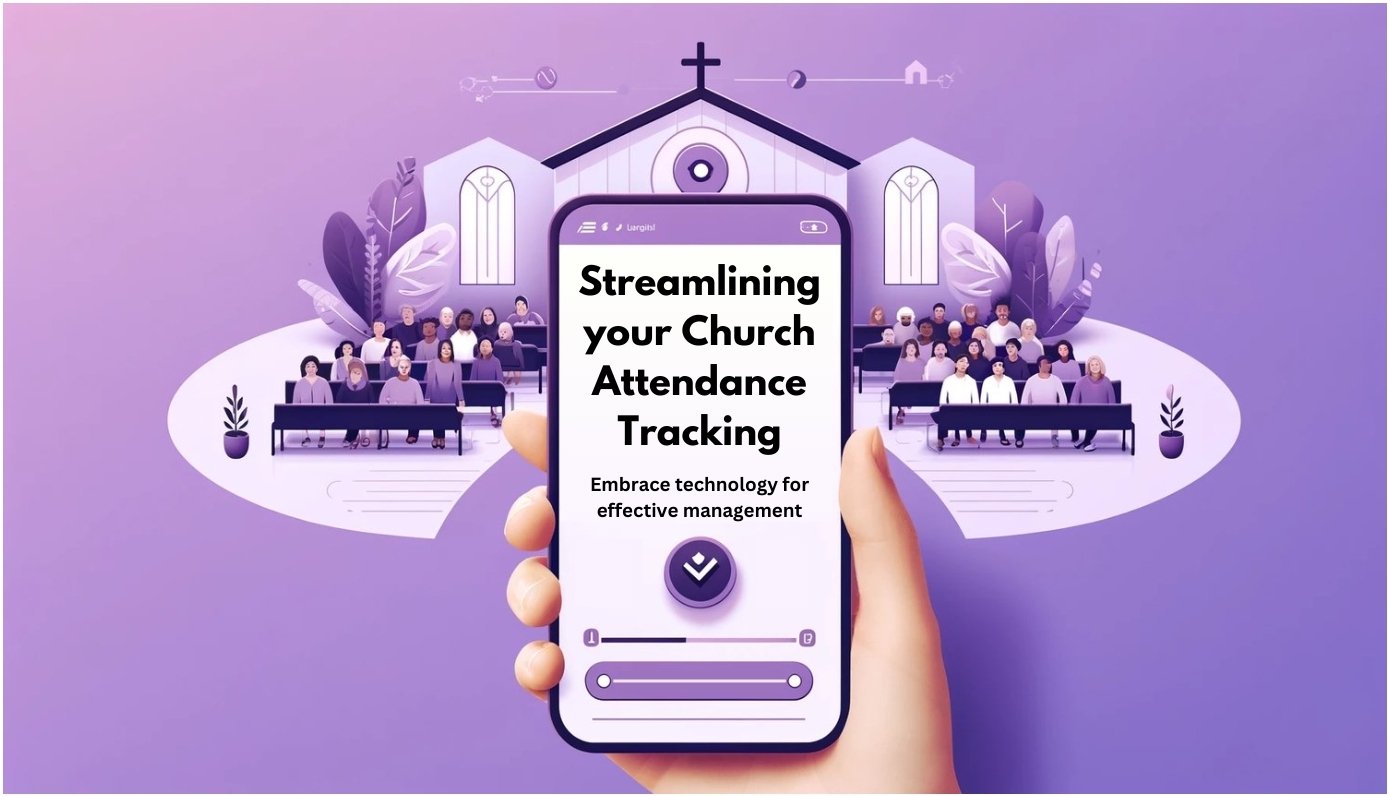
Streamlining Your Church Attendance Tracking: Embracing Technology for Effective Management
Church attendance can be difficult to manage, but with the help of technology, it doesn’t have to be. This article discusses options and steps for better attendance tracking.
Online Church Calendar App Solutions: Planning Center Calendar
Planning Center Calendar (Calendar) is a powerful and easy-to-use calendar and scheduling tool that helps organizations streamline their day-to-day operations.
The Top 5 Church Management Systems in 2022 - What You Need To Know!
A church management system is a software that helps your church manage data and increase engagement. It is an all-in-one solution for managing members, tracking donations, helping teams stay in communication and more .