

If you've been doing children's check-in for any length of time, you know the moment: a parent arrives to pick up their child, and the security tag is gone. Now someone has to make a judgment call while a line of families waits behind them.
Or maybe mom and dad are dividing and conquering to pick up multiple kids, so they rip the tag in half or snap a photo on their phone. Security tags are a valuable safety tool, but they bring their own set of headaches.
When Church Center Pre-Check launched, it helped by showing the security code in the app. But only for families who originally checked in from the app.
That gap is now closed.
What Changed in Church Center Check-Ins
Security codes are now visible directly in Church Center, no matter how someone checked in. Whether a family used a self-check-in station, was assisted by a volunteer at a manned station, or started the process in the app, the security code is accessible for every active check-in in Church Center. Any household member (think both mom and dad at once) can pull it up on their phone at pickup, and your volunteers have something reliable to verify—label or no label.
This update also brings a few related improvements worth knowing about:
Real-time check-in status for everyone. Church Center now accurately shows whether each person is checked in or out, and that status stays in sync with your Check-Ins stations. Parents and volunteers no longer see conflicting information.
Check in again for a second service. If a child is already checked in and needs to be checked in for an additional service, parents can handle it themselves right in the app by tapping "Check-in again."
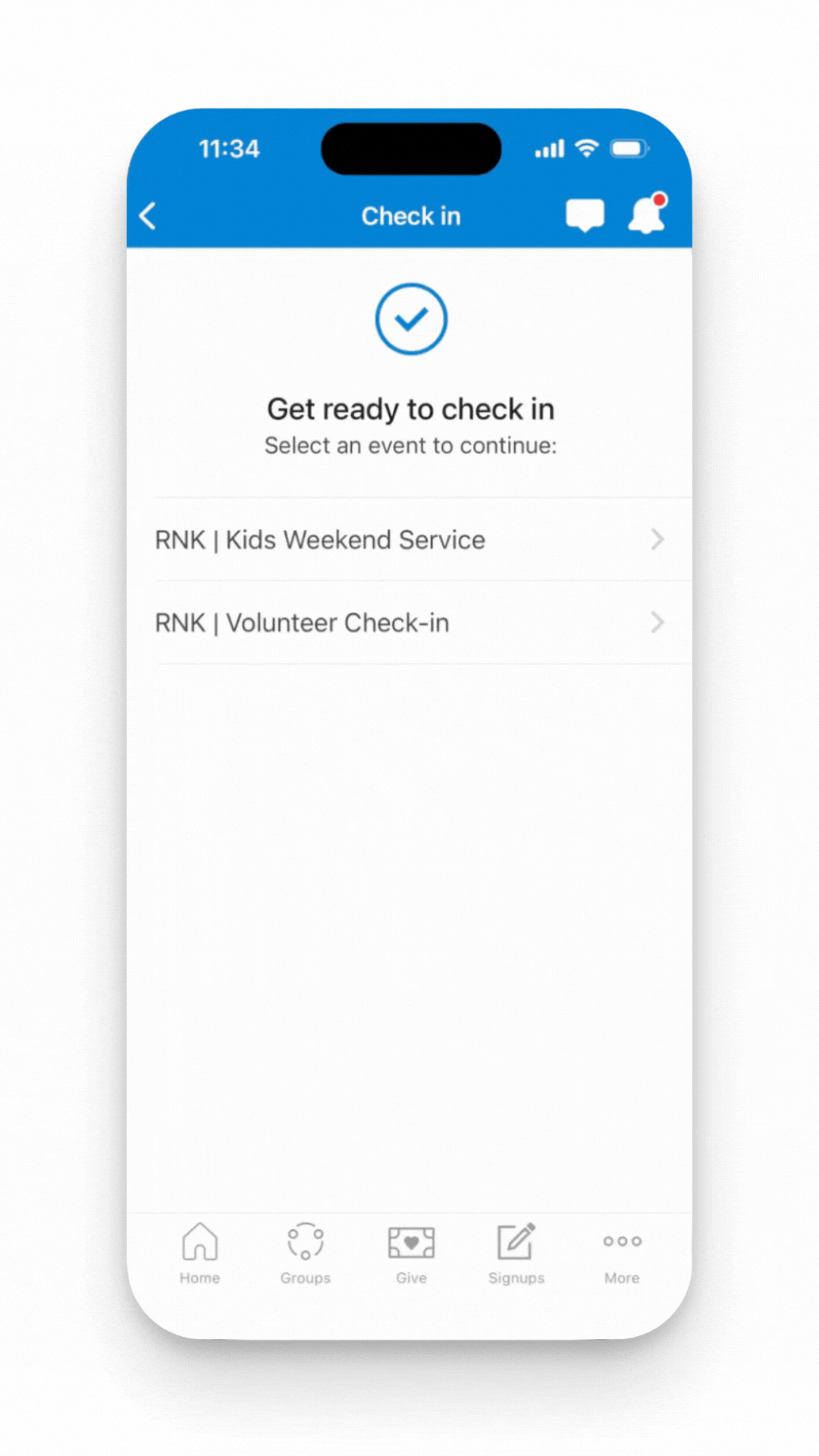
All Your Check-In Info, Right Where You Need It
Previously, a household's check-in information could be scattered or incomplete depending on which method they used. Now everything lives in one place. Families can see at a glance who is checked in (along with their security code) and who still needs to be checked in, all without leaving the app.
How to Set This Up
Two things need to be in place for this to work:
- Turn on "Enable in Church Center" for each Check-in event. Only events with this setting activated will appear in Church Center.
- Update the Church Center app to version 2026.4.8 or higher. Once the app is updated, the improvements happen automatically.
If parents haven’t tried using Church Center for Check-ins, this is a great time to invite them to try it out. A quick note in your bulletin or a quick mention during Sunday morning announcements can push families to take the leap.
Want to Get More Out of Planning Center?
Updates like this one are easy to miss, especially in the middle of a busy ministry season. If you're finding it hard to keep up with what's changing in Planning Center, need help setting up Check-Ins for the first time, or just want to make sure Planning Center is actually working for your church, here are a couple of ways we can help.
Join 300+ church leaders in the Threefold Community, a space where you can ask questions, troubleshoot challenges, and swap strategies with churches your size. You'll also gain access to Live Q&A sessions and free resources, including the Top 5 Workflows every church should be running. Join our free community today.
The Planning Center Playbook is a step-by-step training resource designed for church administrators looking to build confidence and efficiency with Planning Center. It covers features that are essential for day-to-day ministry, including Check-Ins, so teams have clear direction for the best approach. Check out the Playbook here.
If your needs go beyond training, Threefold Solutions also offers support contracts for churches looking for ongoing, hands-on help. Whether it’s troubleshooting a setup issue, refining your workflows, or having someone to reach out to when something breaks on a Sunday morning, our team is here for you. Learn about what we offer by scheduling a free conversation with us at threefold.solutions.