
Ministry doesn't stop when you step away from your desk. And honestly, it never did.
For years, working in Planning Center on the go meant choosing from a few messy options or just avoiding it altogether. A handful of separate apps covered some features, but not everything. When something popped up away from your desk, you'd run the same mental calculation: Is this urgent enough to find my laptop? Can I remember this until I'm back at my desk?
Good news: you don't have to do that anymore. With the new update, everything needed for admin work meets you where you are.
Planning Center just launched the Planning Center app, a free mobile app for church admins that brings the full admin experience across all Planning Center products into one place. Let’s take a closer look at its features, and if you’re already using one of the existing apps, see how this affects your workflow.
Planning Center App Highlights
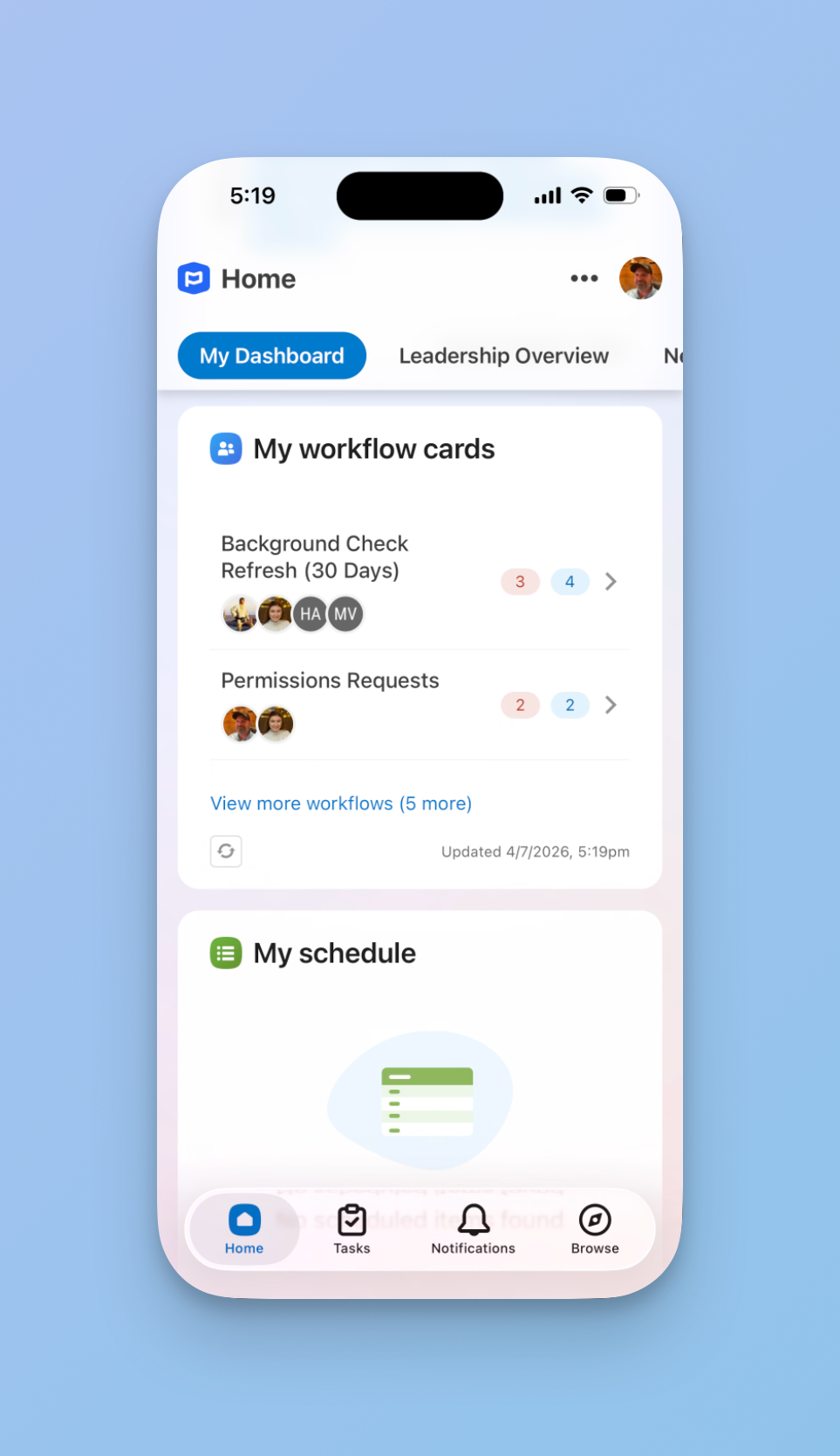
Your Home dashboard goes with you. The first thing you see when you open the app is your Home dashboard: a quick overview of what needs your attention, with widgets that jump directly into any product.
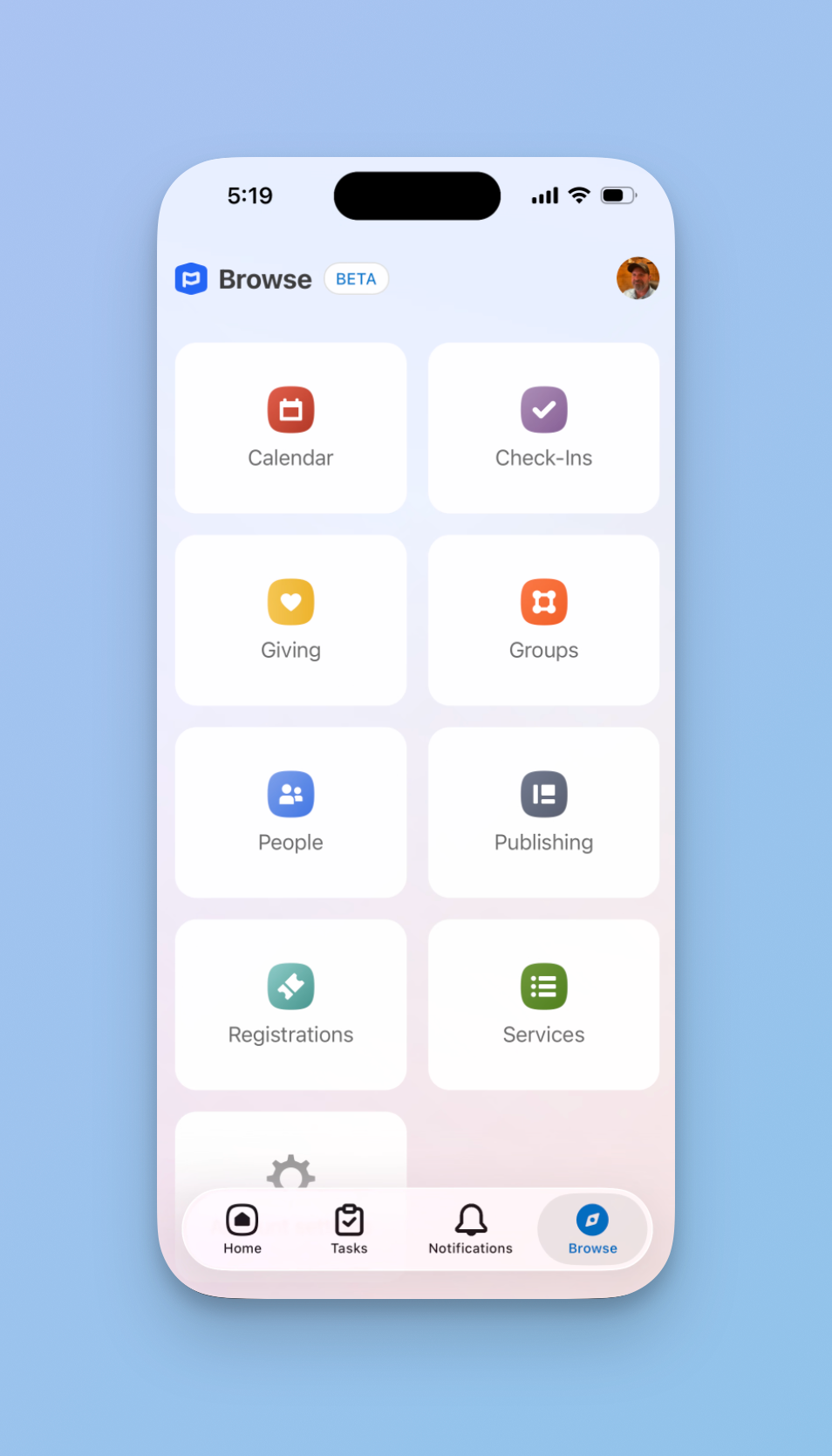
Browse any Planning Center product, anytime. Registrations, Calendar, Check-Ins, Giving, all of it is accessible directly inside the app. Check on an event registration, submit a facilities request, and edit check-in settings. Whatever you need to do, wherever you are.
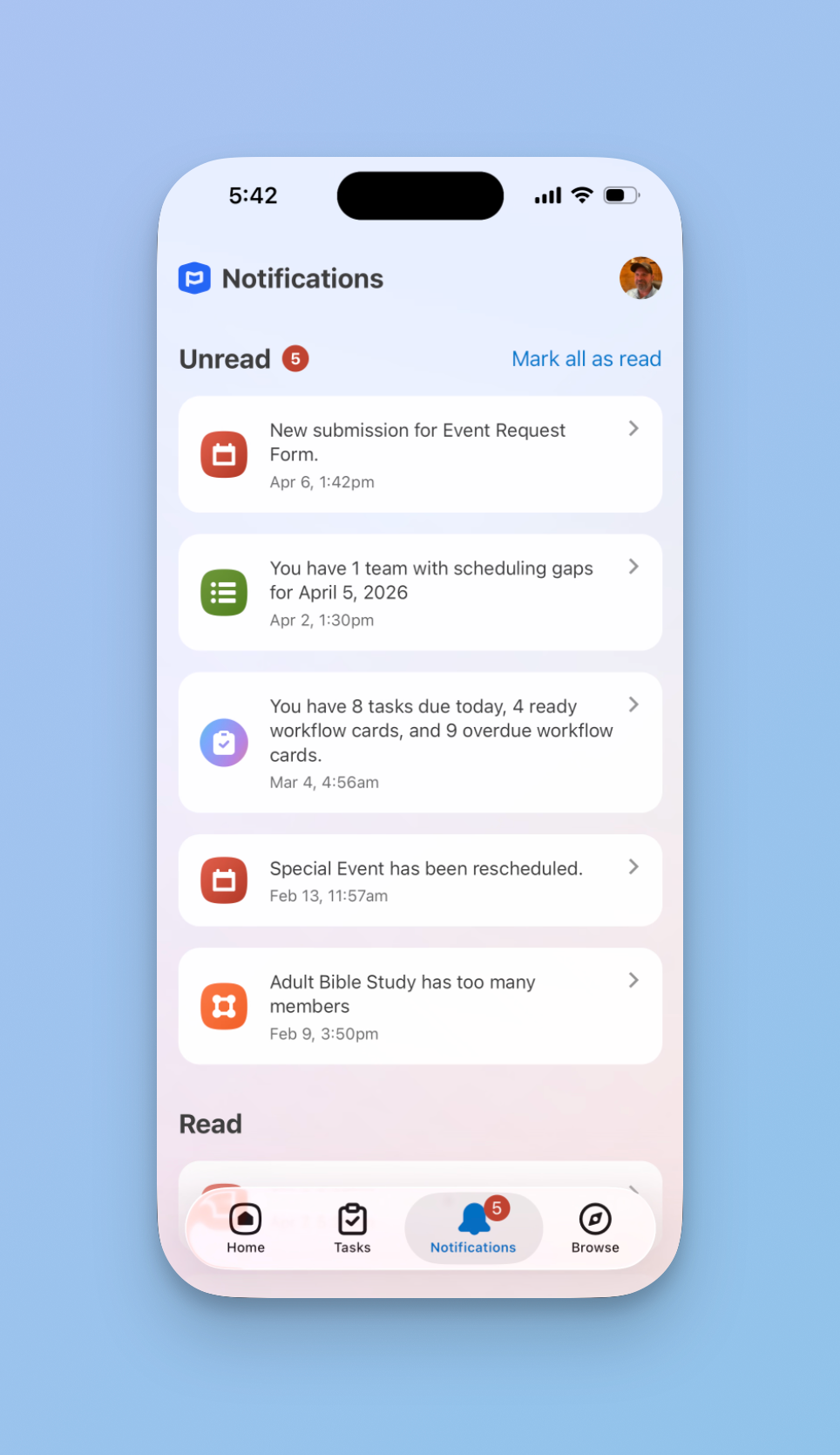
All your notifications in one place. Notifications from every Planning Center product now show up together, front and center. Schedule requests, workflow updates, form submissions, and more. You can even turn on push notifications, so you don't have to check the app to stay in the loop.
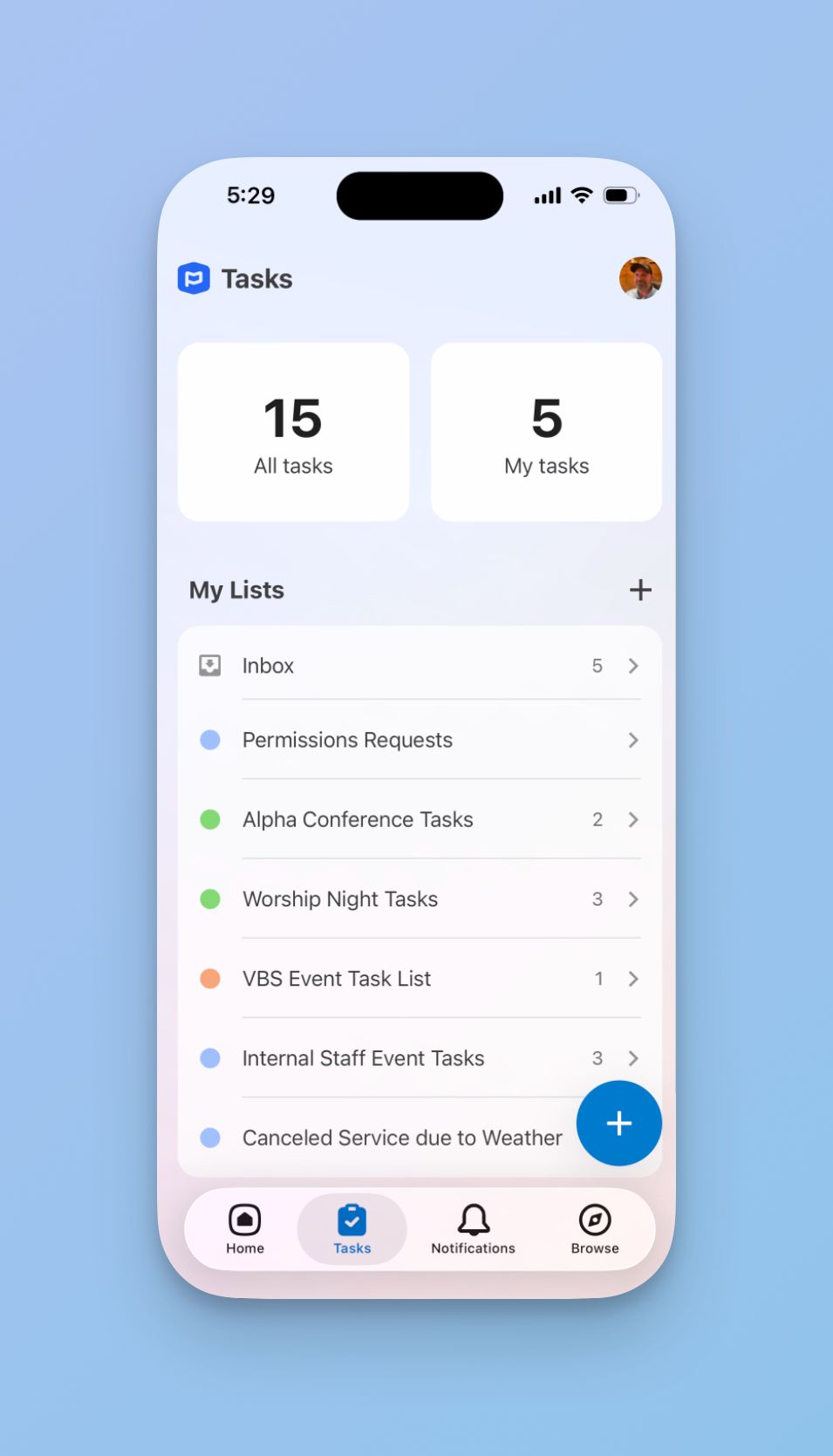
Check off tasks on the go. Complete tasks and keep collaborating with your team, whether you're in a coffee shop, in a hallway conversation on Sunday morning, or on an emergency Cheerios run for the Nursery.
Church Center vs. Planning Center: What's the difference?
We hear this question all the time. Church Center is for your congregation. It's the public-facing portal where attendees interact with your church, available from a browser and in the Church Center app.
Planning Center is the internal church management system where you manage your church's data across all the products (People, Groups, Services, Giving, etc.) and decide what gets published through Church Center. The new Planning Center app is built for church admins who manage multiple Planning Center products. It gives you unified notifications, your Home dashboard, tasks, and access to every product in one place.
What about the existing Planning Center apps?
Planning Center has released a lot of apps over the years. Church Center is the most widely used, but there are also separate apps for Services, People, Check-Ins, Headcounts, Calendar, and Tasks. You're not the only one who's asked, "Why do I need six different apps?"
With this release, some apps still have a specific purpose. Others are likely on their way out. Here's the rundown.
Church Center: Keep. This app remains unchanged and continues to be the place where your congregation interacts with your church. The new Planning Center app is mainly for admins, so most congregants will not need it.
Check-Ins and Headcounts: Keep. These apps serve specific purposes. The Check-Ins app is built for running a check-in station, and Headcounts is your clicker for tracking attendance. Those aren't going anywhere.
Services: Depends on your role. Church staff managing multiple products should download the Planning Center app. But volunteers and your worship and production teams should stick with the Services app. It's dialed in for viewing service orders, playing rehearsal files, and scheduling volunteers in a way the new app doesn’t quite match.
People and Calendar: Retire. Most of what these apps did is now covered in the Planning Center app. Planning Center has said they're evaluating both over the coming months, so don't be surprised when they sunset.
Tasks: Already upgraded. Planning Center took the existing Tasks app and turned it into the new Planning Center app. Your tasks are still there, just with a lot more around them. If you're not seeing changes, check for an update.
Ready to Manage Your Church from Anywhere?
If your church is already on Planning Center, the new app is worth grabbing. It's free, and it pulls your Home dashboard, tasks, notifications, and every Planning Center product into one place on your phone.
How do I download the Planning Center app?
It's free. It's just a new way to access the tools you're already paying for.
Download it today in the Apple App Store or on Google Play.
If you want to make the most of it — or if your Planning Center setup could use some work before you start managing things on the go — we'd love to talk. Threefold Solutions helps churches get more out of Planning Center, from initial setup to the workflows that keep your team moving between Sundays.
Schedule a free consultation →
Have questions about Planning Center? Check out the Planning Center Playbook— 85+ lessons on getting the most out of every Planning Center product, plus a community of church leaders who use Planning Center every day.